You get tagged in the plant chat: "Should this line get a cobot? Put a primary model on the capex form." Procurement asks for a budget ceiling, production raises takt and operator safety, and maintenance drops a floor plan—every concern is valid, yet nobody turns the thread into one line: "We are quoting this one first."
You read vendor spec PDFs until midnight and the primary-model field is still blank. It is not that you will not decide; you fear picking wrong and stopping the line, failing capital approval, or hearing later, "Why did we not size up?" At most plants, the hard part is not the parameters—it is that no one else will say out loud what you are quoting first.
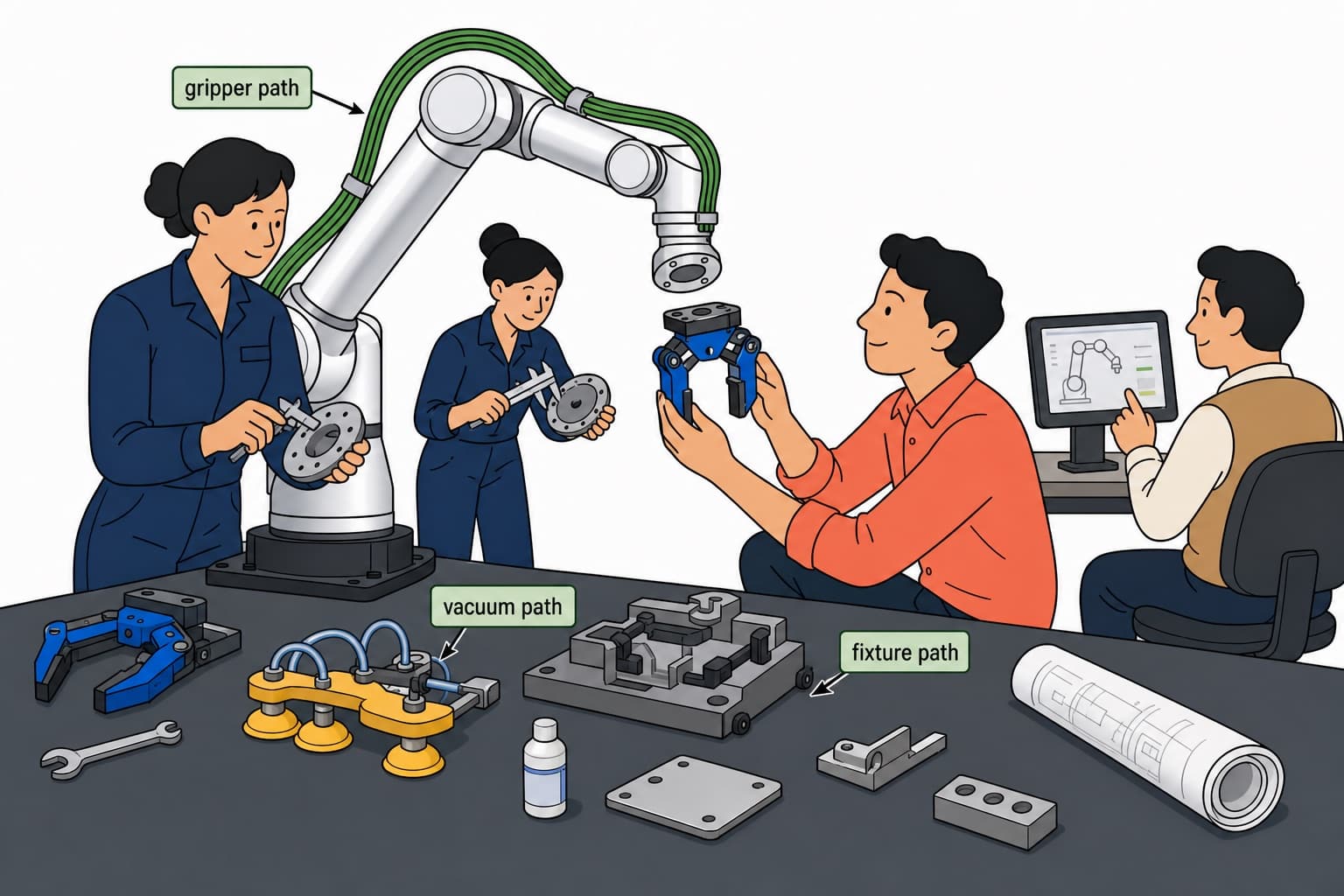
You should not need to master every catalog before your plant can name a cobot on a capex form—five everyday questions, one primary pick, one upgrade path, and one downloadable PDF summary procurement and maintenance can circulate together.
What the advisor gives you
Primary pick — an r-Series tier and variant matched to load, reach, environment, and integration preference.
Upgrade path — when the primary tier is tight on payload or reach, a clear step-up family and variant so you are not surprised on site.
Downloadable PDF summary — one tap on the result page exports a Roooll Advisor Report with your five answers, primary/upgrade picks, key specs, and talking points—ready for email, WeChat, or a capex attachment.
Editable inquiry draft — result page builds inquiry copy you can open in the on-site drawer, tweak, and send.
Shareable session — the URL keeps your answers so procurement, engineering, and sales review the same recommendation.
How it pairs with Side-by-Side Comparison
The advisor answers which model to quote first and where to step up; Side-by-Side Comparison answers how three finalists differ row by row. Typical flow: run the advisor for primary + backup → download the PDF for internal alignment → drop r-Lite / r-Core / r-Max (or specific variants) into the comparison table for payload, reach, cabinet, and joint axes → forward the comparison link, advisor result, and PDF together.
Where to find the online Product Advisor
Top navigation — open Selector, then Product Advisor.
Full lineup page — at Full r-Series lineup specs, scroll to the journey band and choose Product Advisor.
Comparison tool — from Side-by-Side Comparison, use Start the advisor in the footer band.
Quick search — open the site search palette and type advisor (or 选型 in Chinese).
Direct URL — Product Advisor (Chinese: 智能选型向导).
How to use it (about two minutes)
Open the advisor page. An r-Series 3D hero appears first; scroll into five single-question cards (phone and desktop both use one question per screen—pick an option, then Confirm).
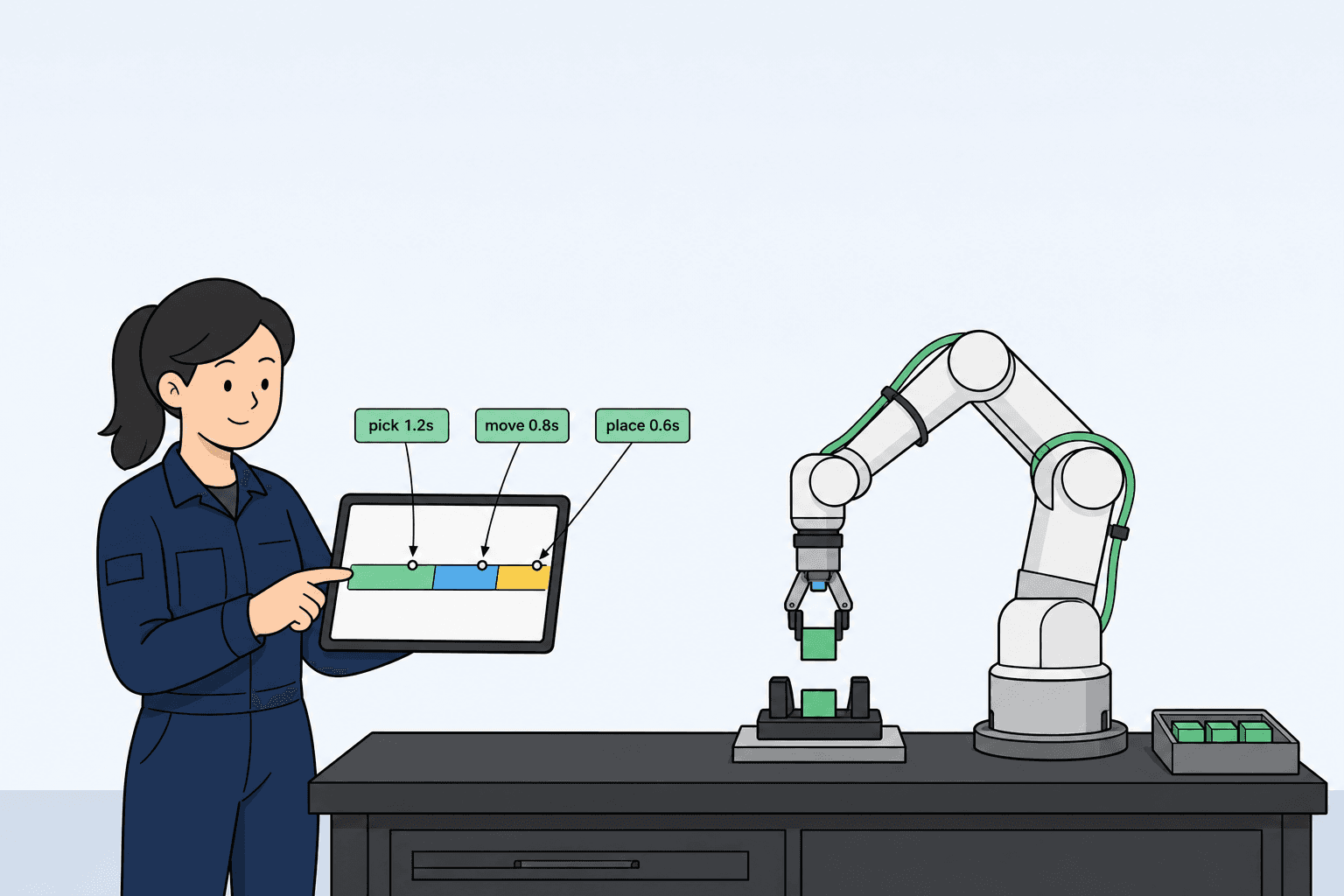
Question 1 — Work style: light frequent pick-and-place, steady machine-side handoff, one station watching several points, or long shifts at full takt—choose what matches daily intuition.
Question 2 — Payload band: pick the “body type” metaphor for ≤5 kg, 5–10 kg, 10–20 kg, or ≥20 kg / heavy EOAT—we are bracketing rated and peak margin, not weighing parts to the gram.
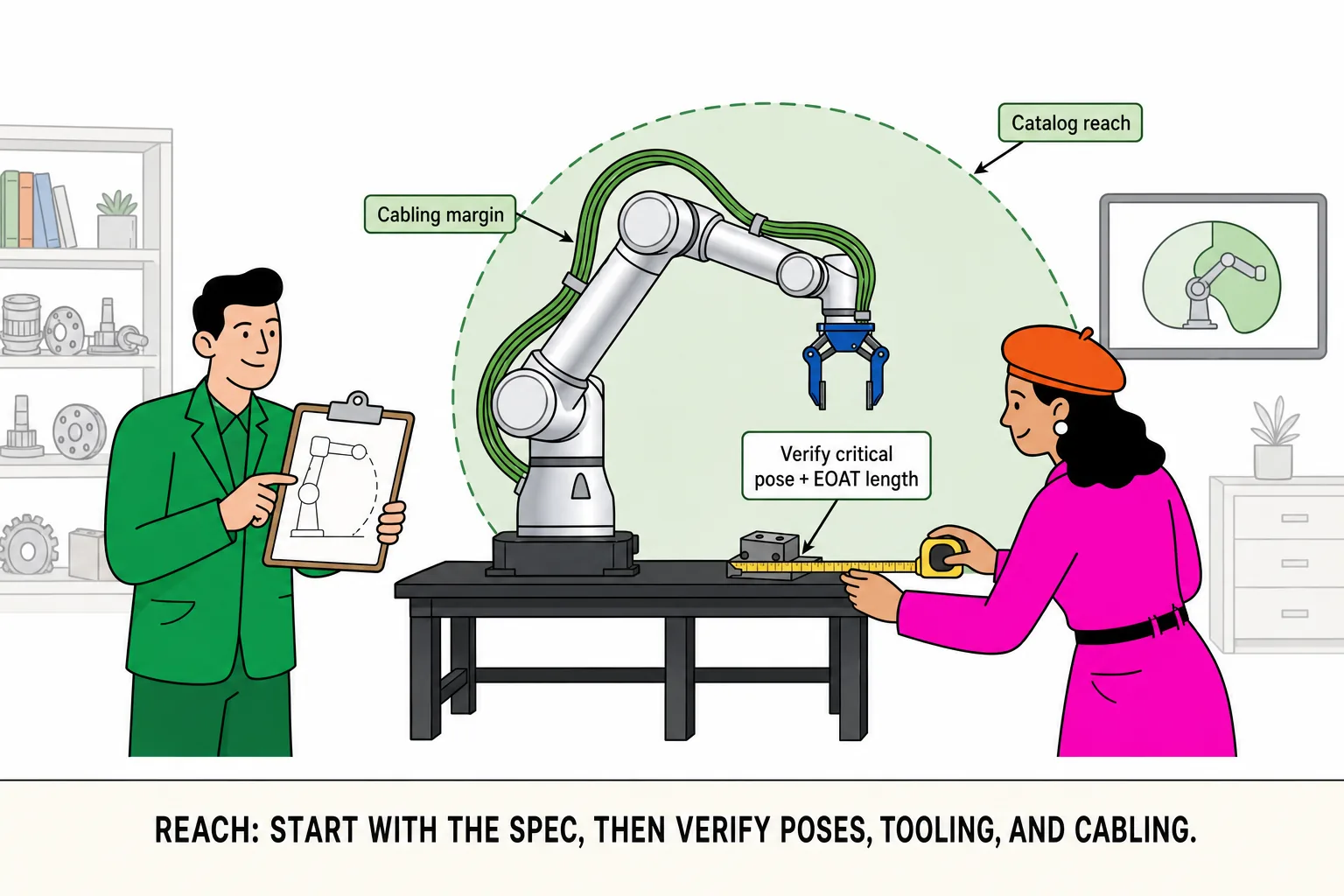
Question 3 — Reach picture: at hand, around one machine, across a neighbor line, or wider radius—maps to working-radius tiers.
Question 4 — Environment: clean lab, general industrial, washdown or dust, or outdoor / semi-outdoor—affects IP and install assumptions.
Question 5 — Integration: integrated control, external cabinet, mobile WML, or still deciding—affects field wiring and fieldbus path.
Results — review the primary card, upgrade suggestion, and three bullet lines; open the detail drawer for a spec summary; tap Download PDF when you need a shareable brief; then use Inquiry for the editable draft or Reset to run again.
Why it matters for integrators
Plain-language intake — sales and customers can answer; engineering validates on the result page without catalog memorization.
Primary + upgrade in one view — less “quote the smallest arm, upsize after commissioning.”
PDF you can take with you — the Advisor Report on the result page fits internal reviews, channel demos, and inquiry attachments—no screenshot collage.
Pairs with comparison — advisor narrows scope; the comparison table proves deltas; links and the PDF fit in one email or quote pack.
Inquiry draft saves time — the result page pre-fills model and talking points instead of a blank form.
Full r-Series pool — scoring covers r-Lite, r-Core, r-Reach, r-Max, r-Ultra variants in the advisor pool (excludes WMS and other non-advisor SKUs).
See it in action
The video above walks through the flow—five questions, results, and the inquiry entry. You can also open the live tool now and replay the same steps—then try Download PDF on the result page.