The most common payload mistake is: looking at part weight alone (“it should be enough”). But a cobot carries load at the end-effector moment—so what matters is the equivalent load at the TCP. That’s why some cells look “fine on paper” but feel unstable in real operation (takt drops, drops happen, or protective stops repeat).
A more reliable approach is to include your end-effector tooling (EOAT: fixtures/grippers/vacuum/adapters), then estimate your worst-case load from your “worst cycle.” Use “rated payload” (closer to sustainable long-term capability) as the main criterion, and treat “peak payload” (short-time upper limit) as a boundary for understanding—not your default everyday workload.
Rated vs peak payload (plain meaning)
Rated payload: supports stable daily cycles (closer to long-term capability)
Peak payload: usually assumes stricter short-time conditions (short-time upper limit)
Small example: how apple picking changes the number
Say you pick a 120g apple (part weight), but your gripper/vacuum + adapter totals another 180g (EOAT). Now your TCP load isn’t 120g anymore. Then include start/stop and acceleration effects (dynamic load = equivalent load), and your “worst-case load” rises above the static total. Don’t only ask “is peak enough?”—check whether the robot has rated headroom (more headroom means fewer surprises in takt).
Common mistakes that break “it should work”
Selecting by part weight only (EOAT/tooling is missing)
Assuming “reach to the farthest point” is always feasible (critical pose margin not verified)
Using peak as daily working load (peak is not long-term capability)
Ignoring start/stop and acceleration (dynamic load not included)
Not covering recovery actions in your worst case (jams/retries are part of the worst scenario)
Build a worst-case payload checklist
List everything at the TCP: part + EOAT (fixtures/grippers/vacuum/adapters)
Define your motion envelope: max speed/accel, farthest reach, and critical orientations (the pose that stresses the system most)
Convert static weight into worst-case cycle (include the dynamics of real takt and recoveries)
When reading specs, use rated payload as the primary constraint; treat peak as short-time understanding
Leave engineering headroom (keep worst-case within capability and allow for performance drift; validate with a pilot run when needed)
Turn it into an alignment-ready conclusion
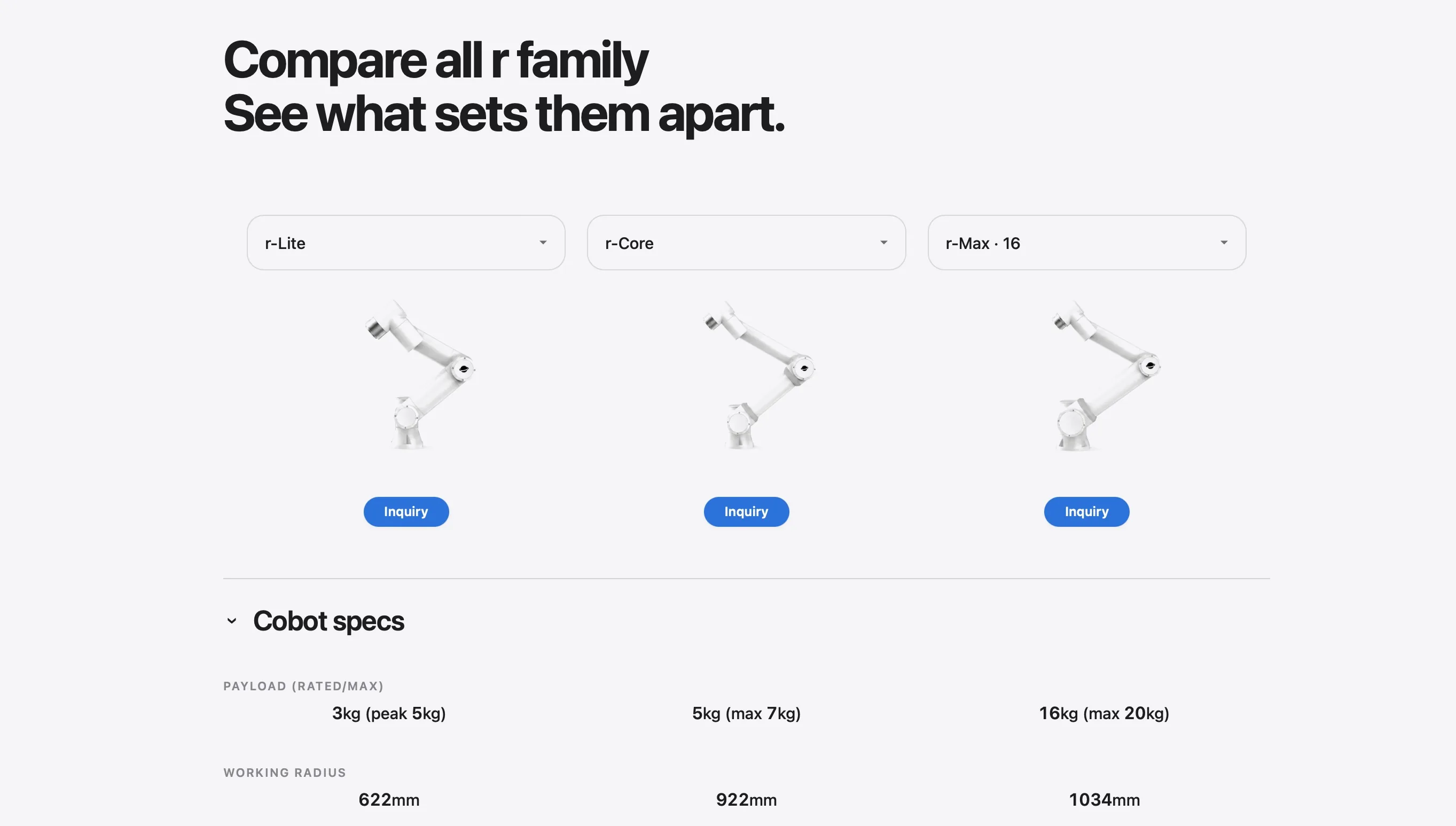
Once you have your worst-case payload list, compare tiers with the same logic: is the payload headroom enough (rated headroom), and do you cover the reach/critical poses (work envelope and pose check). The output becomes alignment for procurement, engineering, and floor scheduling—not a gut feeling
Next step
Open Side-by-Side Comparison to shortlist tiers by payload headroom: https://roooll.com/en/selector/comparison
Add your EOAT breakdown and worst-case inputs into the comparison so your team aligns on one shared link: https://roooll.com/en/selector/comparison
Need a prioritized recommendation first? Start with the Product Advisor: https://roooll.com/en/selector/advisor
Share your tooling and motion profile—we’ll help validate real constraints: https://roooll.com/en/contact