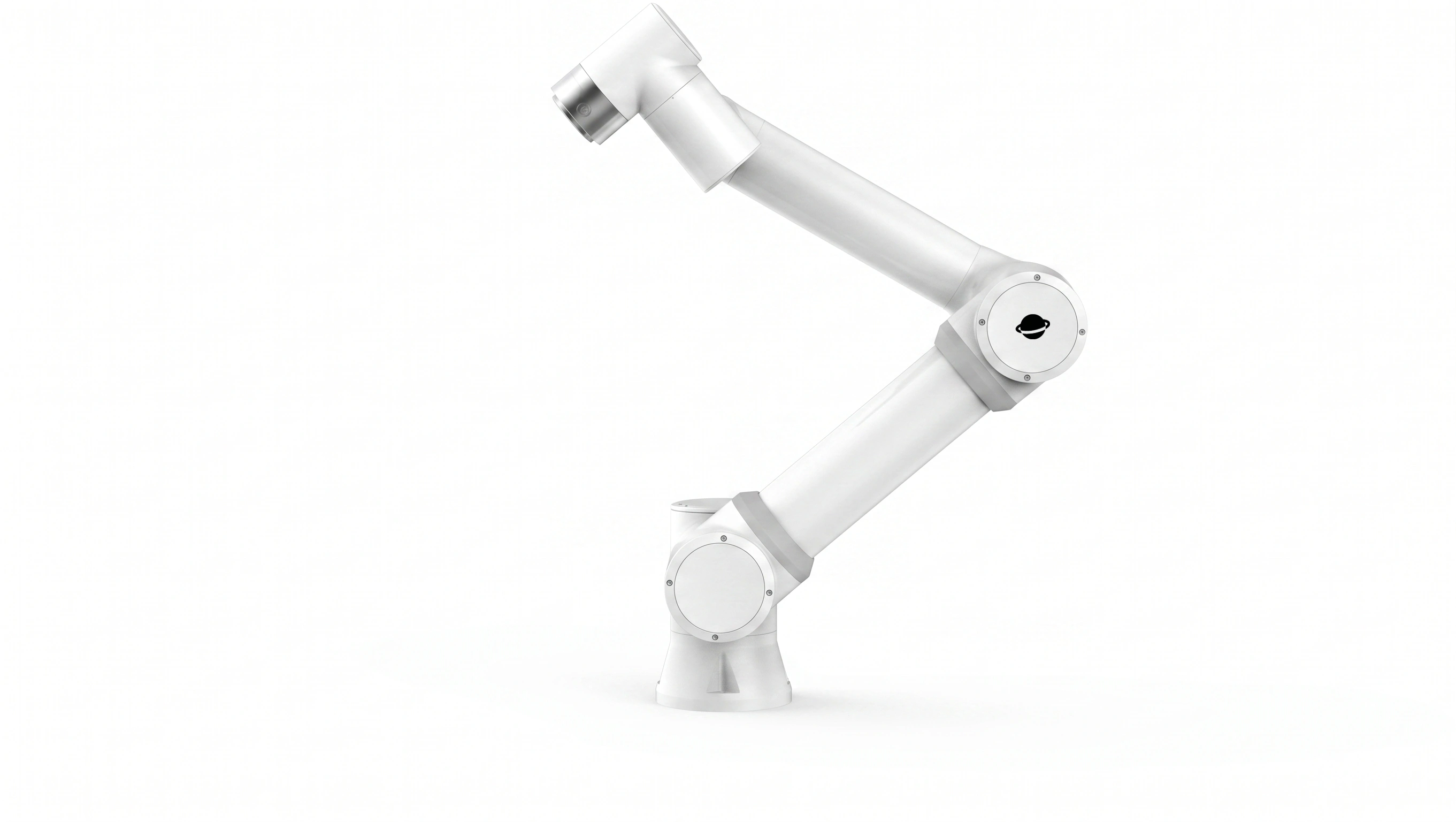
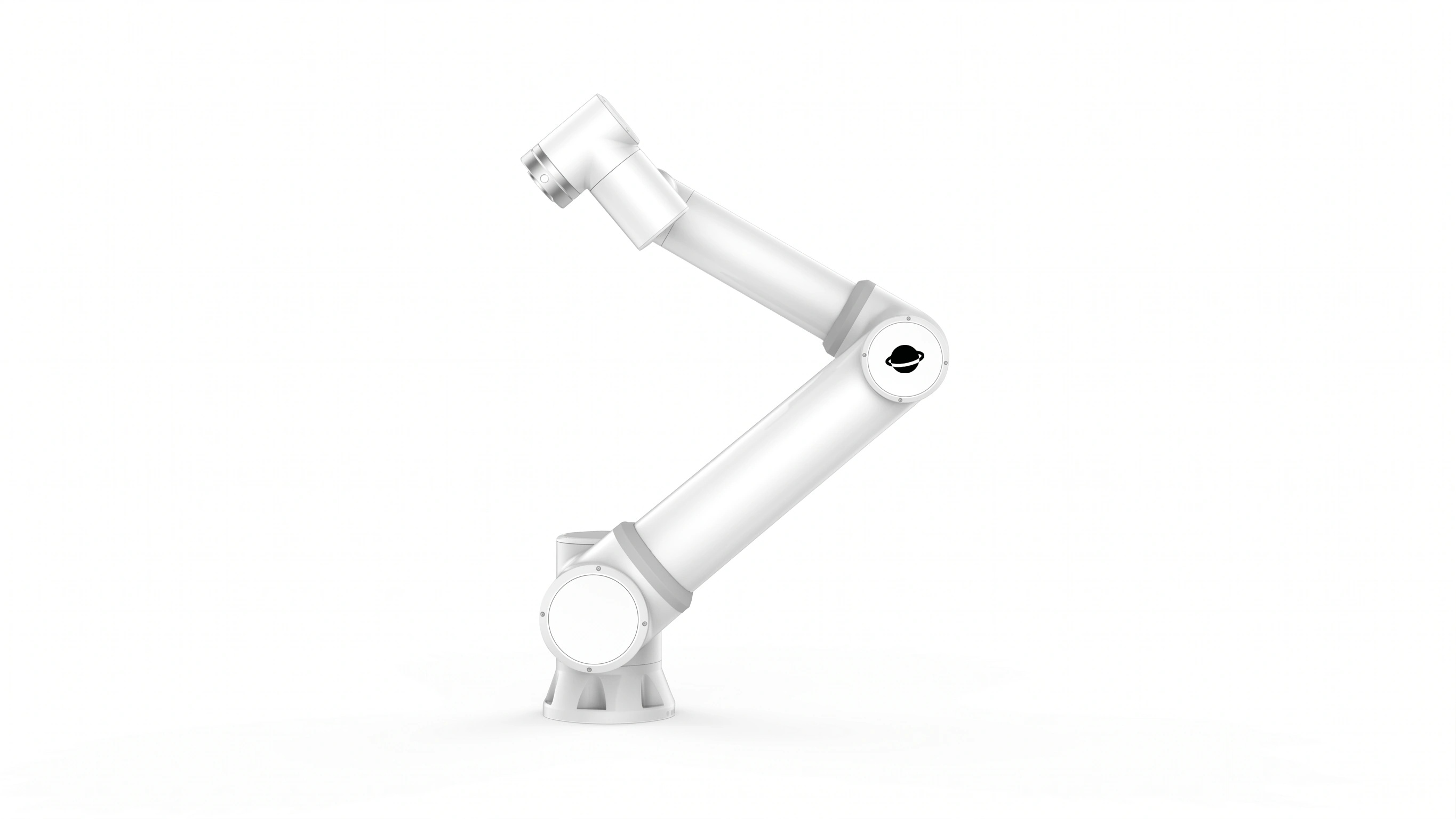
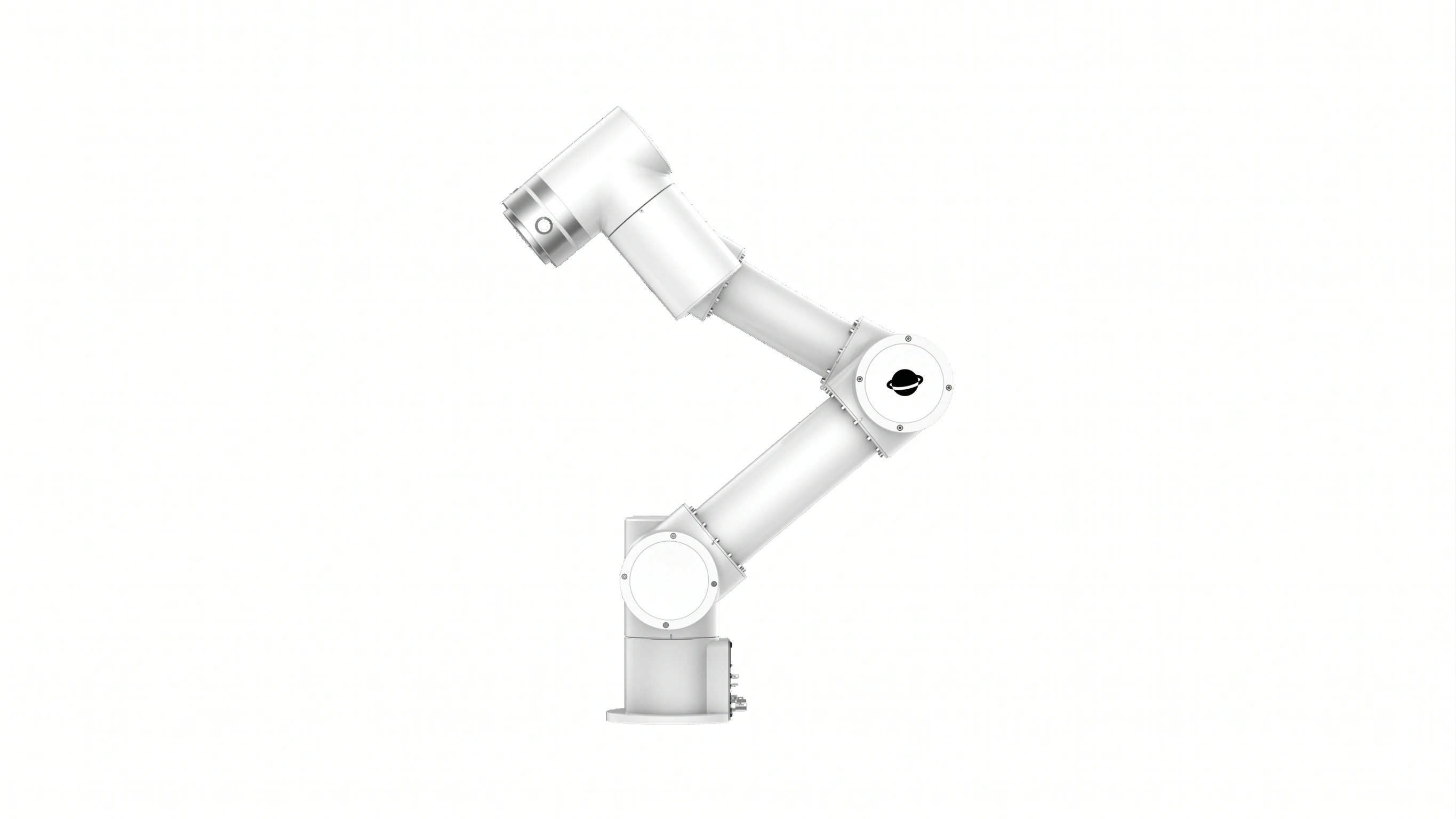
Integrators told us the same story: every bid still starts in scattered PDFs and ad-hoc spreadsheets. You rebuild the same three columns—payload, reach, repeatability, cabinet pairing—before you can answer whether r-Lite, r-Core, or r-Max is the right tier.
We built Side-by-Side Comparison on roooll.com so that work happens in one place, in one language your customer can open on a phone.
Where to find it
Top navigation — open Selector, then Side-by-Side Comparison.
Full lineup page — at r-series cobots & Specs (/cobots/all-cobots-specs), scroll to the journey band and choose Side-by-side comparison.
Product pages — from r-Lite / r-Core narrative sections, follow the comparison link at the end of the story.
Quick search — open the site search palette and type comparison (or 对比 in Chinese).
Direct URL — https://roooll.com/en/selector/comparison (Chinese: https://roooll.com/zh/selector/comparison).
How to use it (about three seconds)
Open the comparison page. Three model pickers appear at the top (on phones you compare two models side by side; the third column appears from tablet/desktop width upward).
Use each dropdown to choose any three different r-Series variants from the full lineup—r-Lite, r-Core, r-Reach, r-Max, r-Ultra, including integrated -C layouts where listed.
Product images update per column; scroll the Cobot specs table for payload, reach, repeatability, weight, TCP speed, DOF, IP, power, voltage, noise, mounting, environment, footprint, I/O, tool power, materials, and power-test notes. Values that differ across your selection are visually emphasized so the gap is obvious without reading every row.
Expand Joint axes for per-axis range and max speed, and External control cabinet (optional) to see how cabinet pairing changes fieldbus and install footprint.
When you change models, the browser URL updates automatically to a shareable link—for example: https://roooll.com/en/selector/comparison?modelList=r-lite,r-core,r-max-16 Copy and paste that URL into email, Teams, or a quote—your customer sees the same three models you selected.
Need a quote on one column? Tap Inquiry under that model. Still between tiers? Use the footer band Start the advisor for a five-question shortlist.
Why it matters for integrators
One table, full catalog — no jumping between separate PDFs per model.
Bid-ready sharing — the modelList URL is your live spec snapshot; less rework when procurement forwards the link internally.
Cabinet + mechanics together — compare integrated -C arms against external-cabinet lines in the same session.
Honest deltas — emphasized cells show what actually changes between finalists.
Faster internal sign-off — sales sends the link; engineering validates rows; you reply with inquiry or a call.
Pairs with the Product Advisor — comparison narrows which three to weigh; the advisor narrows which one to quote first.
See it in action
The video above walks through the flow—selecting models, scrolling specs, and sharing a link. You can also open the live tool now and replay the same steps.
Next step
Open Side-by-Side Comparison: https://roooll.com/en/selector/comparison
Share a starter set: https://roooll.com/en/selector/comparison?modelList=r-lite,r-core,r-core-c
Need a recommended primary model? https://roooll.com/en/selector/advisor
Project inquiry: https://roooll.com/en/contact or the on-site inquiry drawer on any page.
We respond to inquiries within 12 hours. If you are quoting a cell this week, start with the comparison link—we can align on models before the first call.