Quick answer
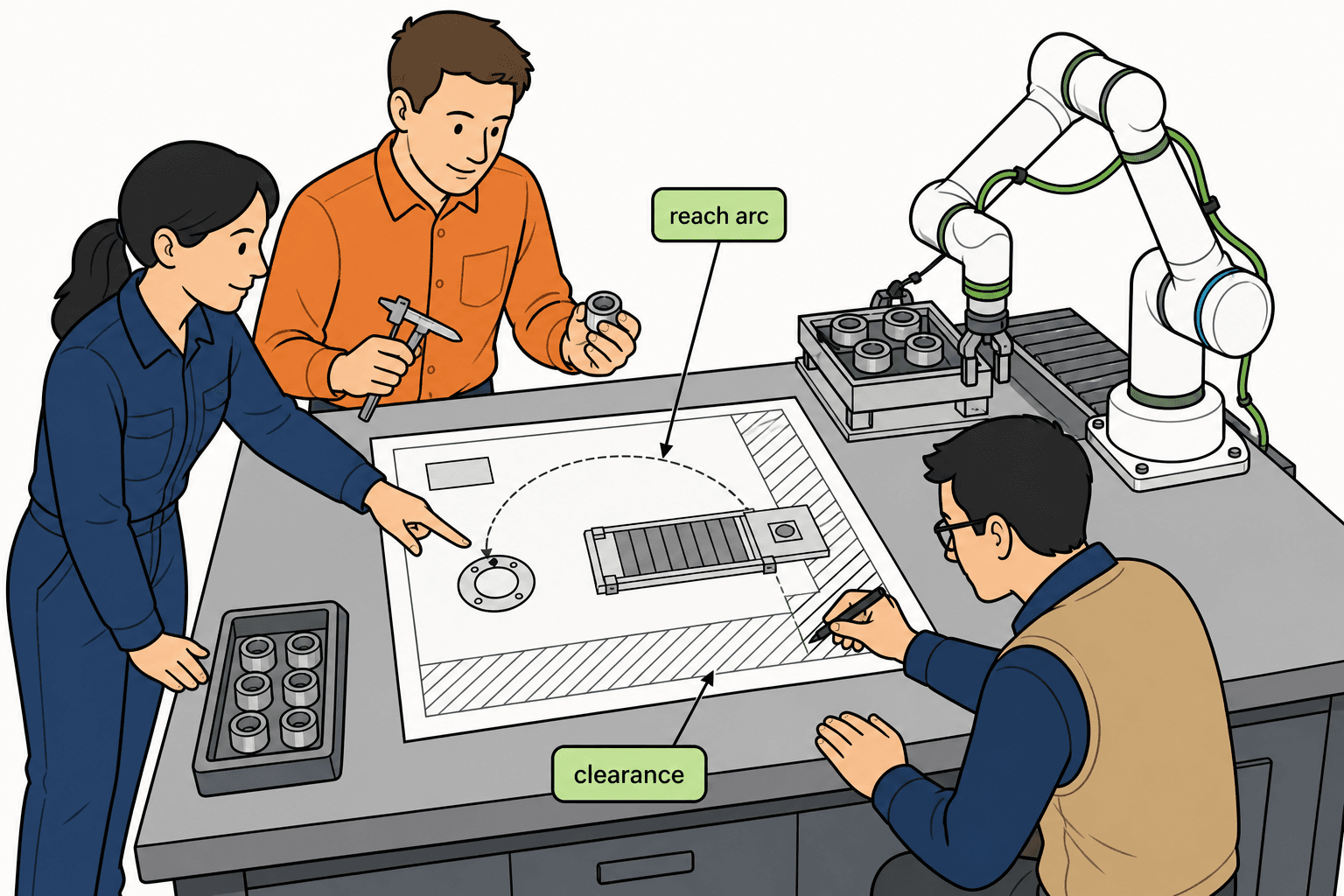
One top-view page: base center, TCP pick / place (including farthest corners), full-reach arm + EOAT envelope, obstacles, human standing and retract / service access, cable / air / network entry
Layout before PO: if base position and bench fixings are open, catalog reach is not yet trustworthy → pair with the Reach guide
Clearance and dress: draw full-extension bend room in a side view—flush-to-edge mounts are a common protective-stop source
Human paths: loading / changeover routes must not fight the motion envelope for the only exit; e-stop must be reachable from a real standing spot
One shared PDF: farthest TCP, base tolerance, EOAT stick-out, and the comparison link—so three parties stop sketching three cells
Delivery day: the bench holes are already drilled. The base sits about 15 cm off the drawing, and the fixture sticks out farther than the quote sketch. Flange distance still fits catalog reach; the TCP sweeps a guard and the air line goes taut into a protective stop. Rework is not “wrong model.” It is layout that was never frozen on one top view. Below: must-haves, a 15 cm example, clearance / cable / human-path rules, and a checklist you can quote against.
What cobot workcell layout means (first-station scope)
Layout answers: on your real floor, for the hardest pick-and-place loop, where the base sits, how much stays clear, whether people or machines block the path, and how much dress bend remains at full extension. Ocean Player’s integrate guide puts risk and layout planning before bolts—and warns not to lock cell geometry before EOAT is confirmed, because tool length rewrites the reachable envelope and safety zones. This page is a first pilot station top-view method—not a copy-paste outline of a full-line palletizing island.
Why the top view comes before the arm PO
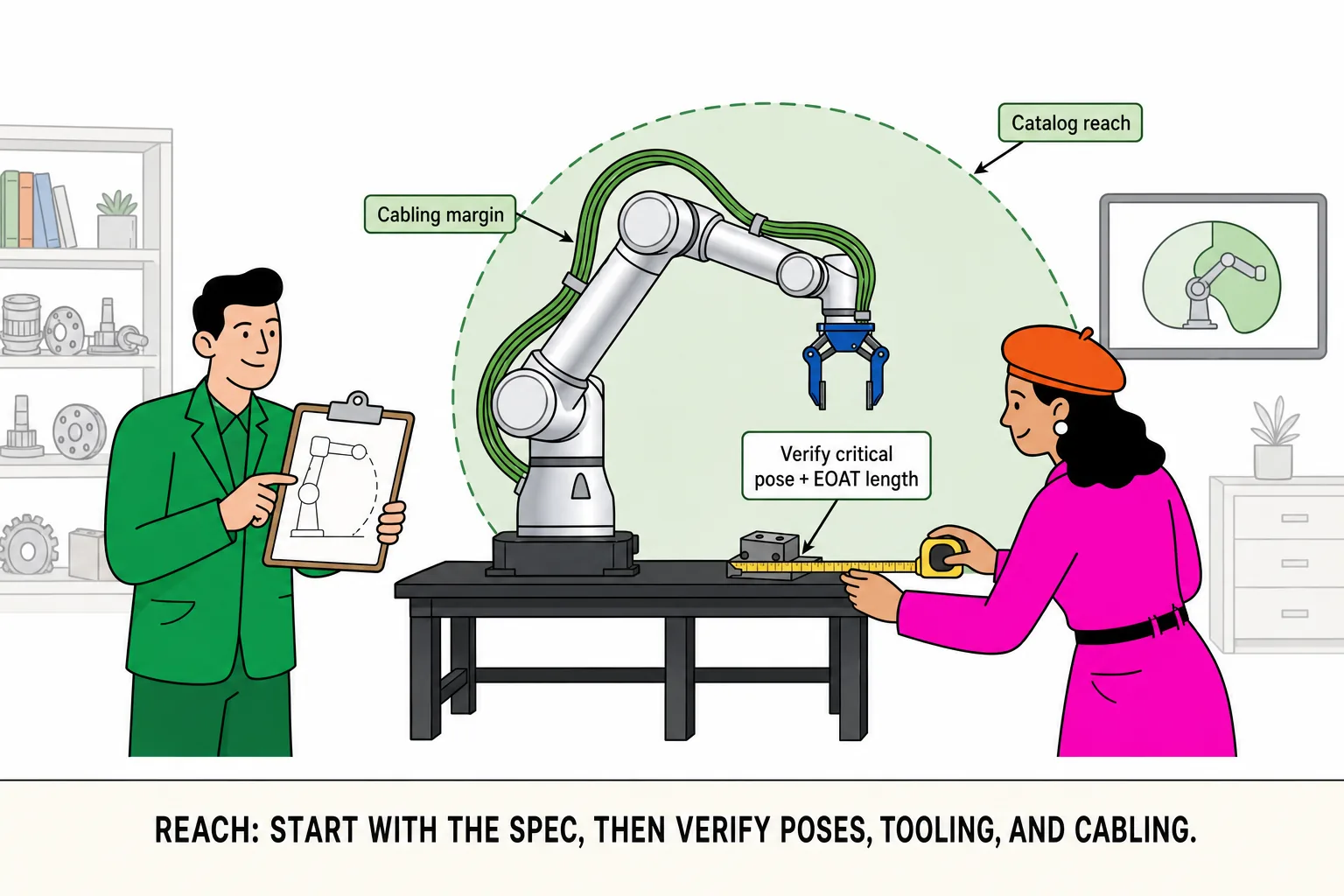
Purchase meetings love comparing reach millimeters and payload kilos. Floor failures often look like holes drilled to the wrong origin, drag-chain anchors flush to the edge, or a load stance on the full-reach arc. The top view turns distance, interference, people, and dress into signed millimeters. Reach and payload still matter; their inputs are farthest TCP and EOAT stick-out on this drawing. Reverse the order and catalog numbers are advertising.
How to judge a top view is RFQ-ready
Any third party can point to which holes the base must use from this one PDF alone
Farthest pick / place points have coordinates or base-relative dimensions—not an arrow “around here”
The dashed envelope uses arm + current assumed EOAT, with stick-out range in the note
Human and e-stop paths do not depend on an unknown rear aisle
The same PDF carries a comparison link or shortlist so three sketch versions do not live in email
Miss any item and it is still a discussion draft—not a contract attachment.
Top-view must-haves
| Element | Why it must appear | How you know it is enough |
|---|---|---|
| Base center and mount holes | Origin for every distance | Bolt pattern, bench thickness, whether ± micro-shift stays allowed |
| Pick / place TCP | Points you actually must touch | Farthest corners and awkward poses, not center only |
| Full-reach envelope | Arm + EOAT dashed arc | Includes retract transitions—not only a max-radius circle |
| Obstacles and clearance | Neighbors, guards, trays, columns | Mark conflict distance where envelopes cross |
| Human standing / service | Load, e-stop, flange access after fault | Paths stay open; do not fight the only exit |
| Cable / air / network entry | Full-extension bend and tray routing | Side view shows bend room—not zero-margin flush mounts |
| Safety boundary language | Same words as the risk file | Align with the Safety & I/O guide |
Replace “somewhere here” with millimeter marks. Unmarked farthest TCP means reach validation has no input—read the Reach guide first.
Worked example: 15 cm base offset breaks the tier
Drawing: horizontal base-center to farthest place 1,250 mm, gripper past flange 140 mm, approach / retract allowance 50 mm.
| Step | Math |
|---|---|
| Required reach (drawing) | 1,250 + 140 + 50 = 1,440 mm |
| Install shifts base out | +150 mm (~15 cm) |
| Required reach (as built) | 1,440 + 150 = 1,590 mm |
| Original catalog tier | ~1,402 mm reach → fails |
Forcing an angled “just make it” pose drives the wrist near a limit and scrapes the dress—protective stops follow. Field fixes escalate fast: step up a reach tier, or re-drill the bench. 15 cm is not a finishing error; it is a model-class miss.
Cheapest corrections first: base ± tolerance on the top view before the PO; re-measure on delivery; dry-run the envelope before teaching; only then escalate tier or steel. Name who re-measures in acceptance.
Clearance, cables, and human paths
Clearance: at full extension, flange / EOAT outer profile to guards, neighbors, and columns needs serviceable gap; retract points must not sit on the only walkway. Many first-cell reworks reach, then scrape inside the guard—draw outer profile, not a flange-center circle.
Cables and air: side-view bend at full extension; flush drag-chain anchors are a week-one protective-stop source. Rewrite “cable is long enough” as “bend remains at full reach.” When bend is gone, the controller often sees force disturbance—the symptom looks like “the arm is broken.” Mark air, vacuum, and network entry on one corner so nobody adds a post inside the envelope later.
Human paths: load stance, changeover stance, e-stop reach, flange access after a fault—all four must walk on the top view. If people must enter the envelope, speed / person strategy belongs in purchase scope, not a sales slide → Safety & I/O guide. Unfrozen EOAT length rewrites the envelope: lock path with the tool → End-effector guide.
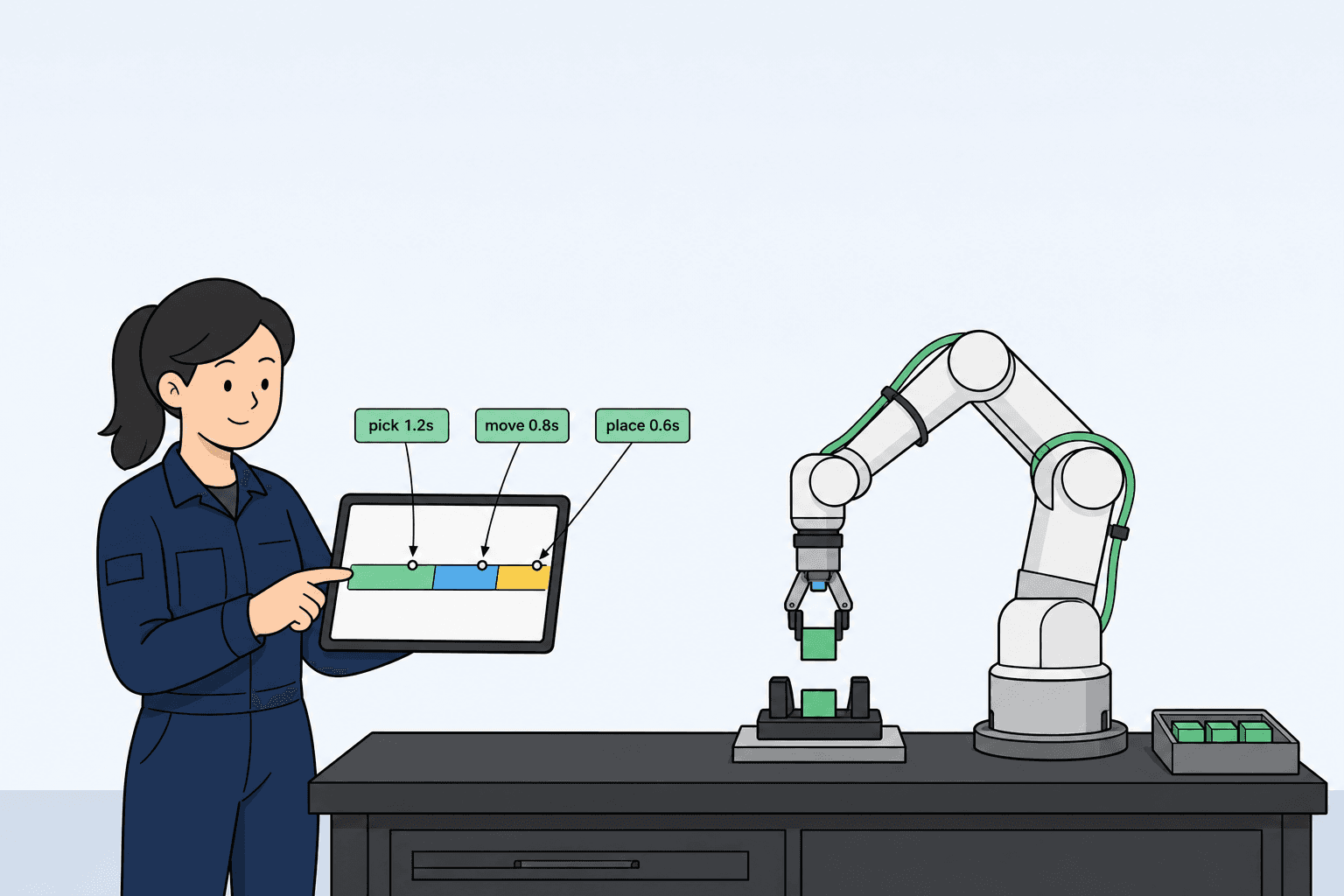
Path length also eats takt: the same 6 s target with an extra 300 mm of equivalent travel often forces a cycle rewrite—review with the Cycle time guide on the same page, not in commissioning week when the path is “longer than the demo.”
Layout checklist (copy onto the PDF cover)
| Item | Status | Notes |
|---|---|---|
| Base center + mount holes + ± tolerance | □ | |
| Farthest pick / place TCP (mm) | □ | |
| Full-reach arm + EOAT envelope (with retract) | □ | |
| Obstacles and conflict distances | □ | |
| Human / e-stop / service paths | □ | |
| Cable / air side-view bend room | □ | |
| Safety boundary words and I/O entry | □ | |
| Worst-case load + EOAT summary same page | □ | → Payload guide |
| Target takt and path length | □ | → Cycle time guide |
| One PDF + comparison link to all parties | □ | → Side-by-Side Comparison |
Layout ↔ reach cross-check
| Cross question | Symptom when it fails | Review |
|---|---|---|
| Farthest TCP + EOAT stick-out > catalog reach | Corners miss or angled hard-reach | Reach guide |
| Base height / bench undecided | Top view OK, side view hits a hood | Add a critical side view |
| Far reach at high load | Reaches but speed kills takt | Payload guide · Cycle time guide |
If the application path is still open, narrow footprint with Product Advisor, then move the base on the top view—do not weld the bench first and re-drill later.
Common gaps
| Gap | Floor symptom | Fix |
|---|---|---|
| Center distance only | Corners miss | Mark full-travel / full-stack corners |
| Base flush to edge | Cable protective stops | Side-view bend room |
| Arm before bench | Weld / drill after delivery | Freeze layout with EOAT |
| Automate whole line first | Commissioning chaos | Pilot the tightest, lowest-changeover station |
| Three different sketches | Quote mismatch | One PDF + comparison link |
| Farthest TCP unmarked | “Reach OK on paper,” two centimeters short | Millimeter farthest corners |
| Human path fights envelope exit | Changeover blocked or cable trays stepped | Dual path or zone hold on the drawing |
One page for your integrator (same PDF as the checklist)
Top view + key side view (base, TCP, obstacles, dress)
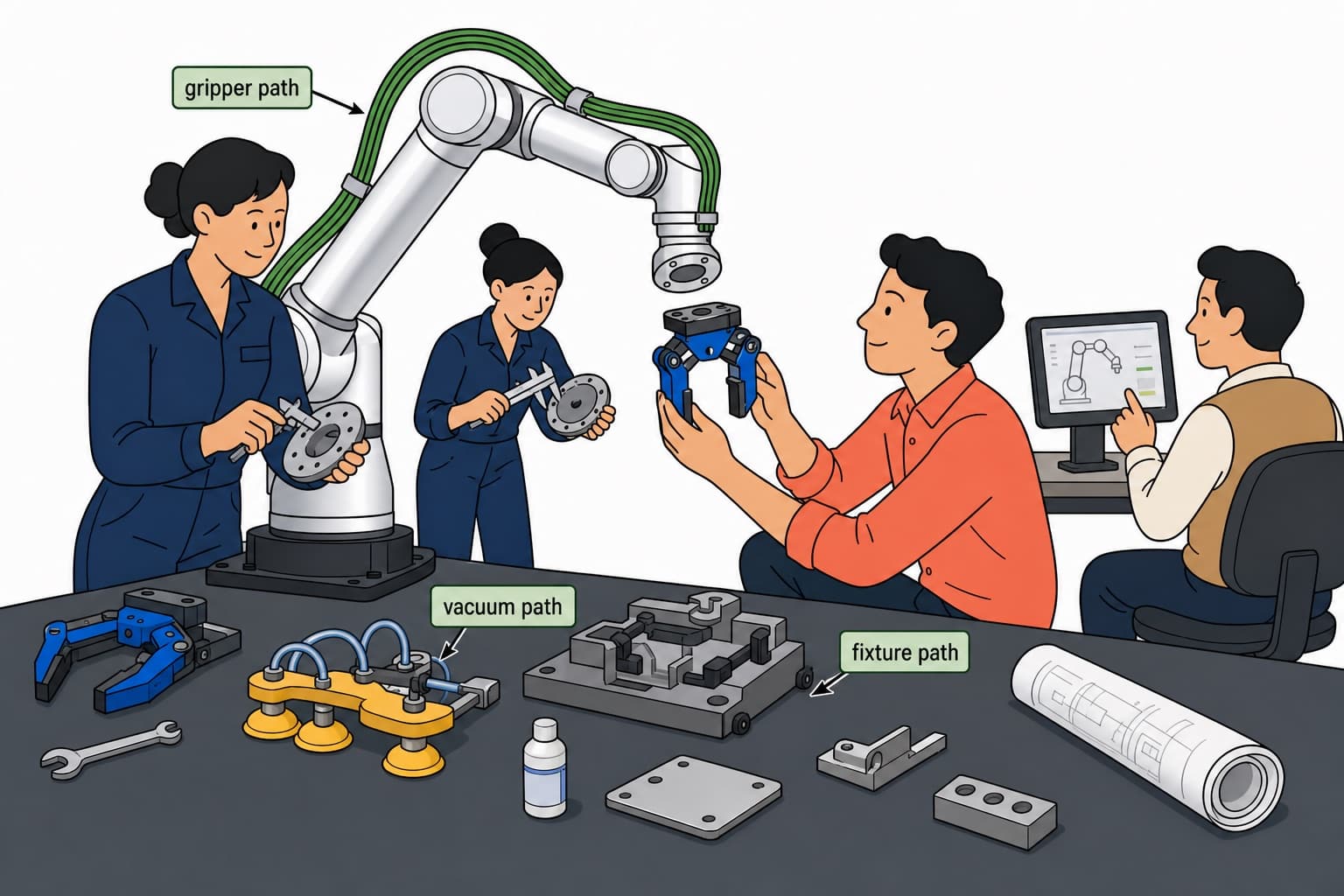
Worst-case load and EOAT summary (grip / vacuum / fixture path)
Target cycle time and pieces per shift
Whether people enter for load / changeover, and how often
Power / air / network entry and e-stop locations
Acceptance: N cycles, no drops, no protective stops, farthest corner reachable