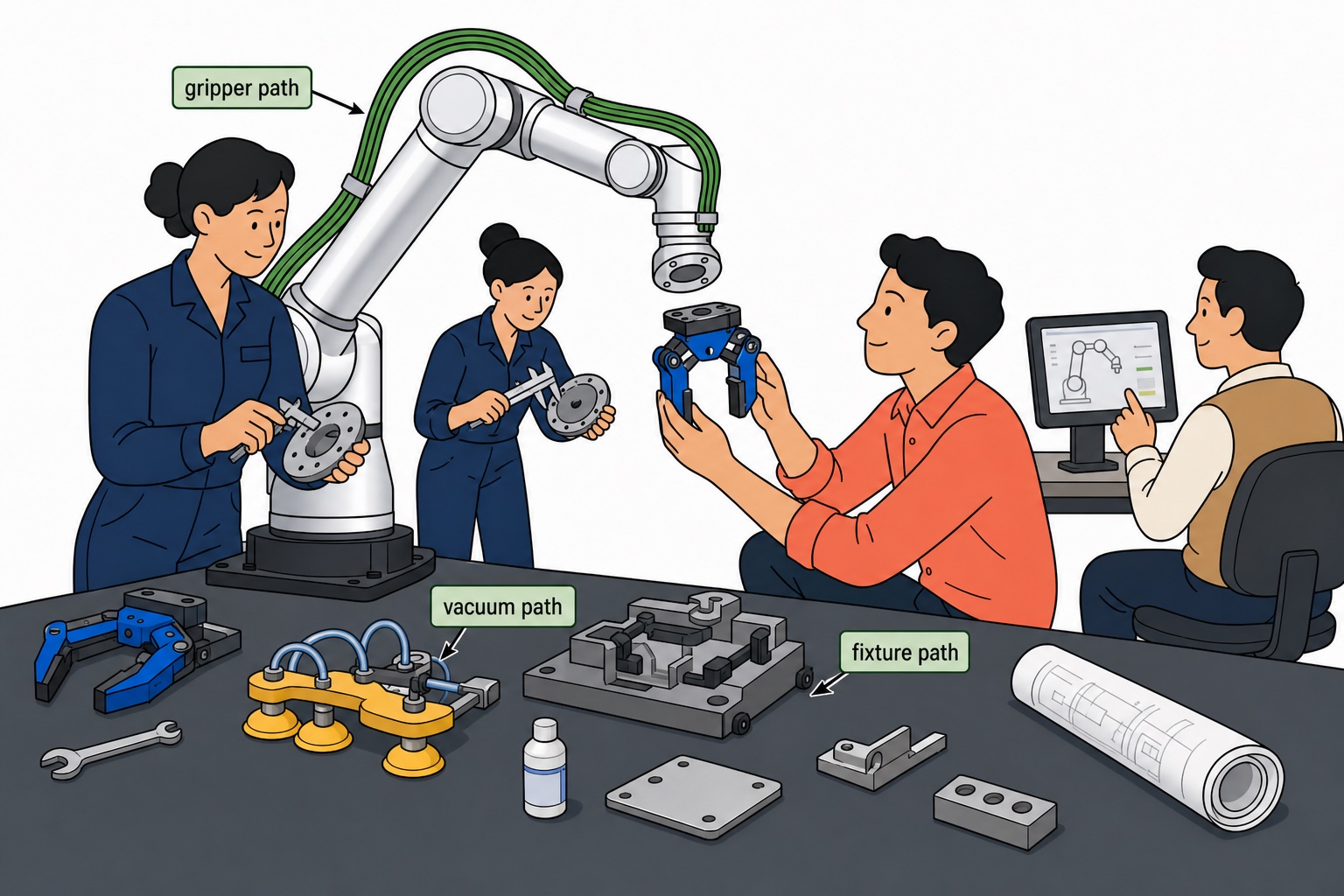
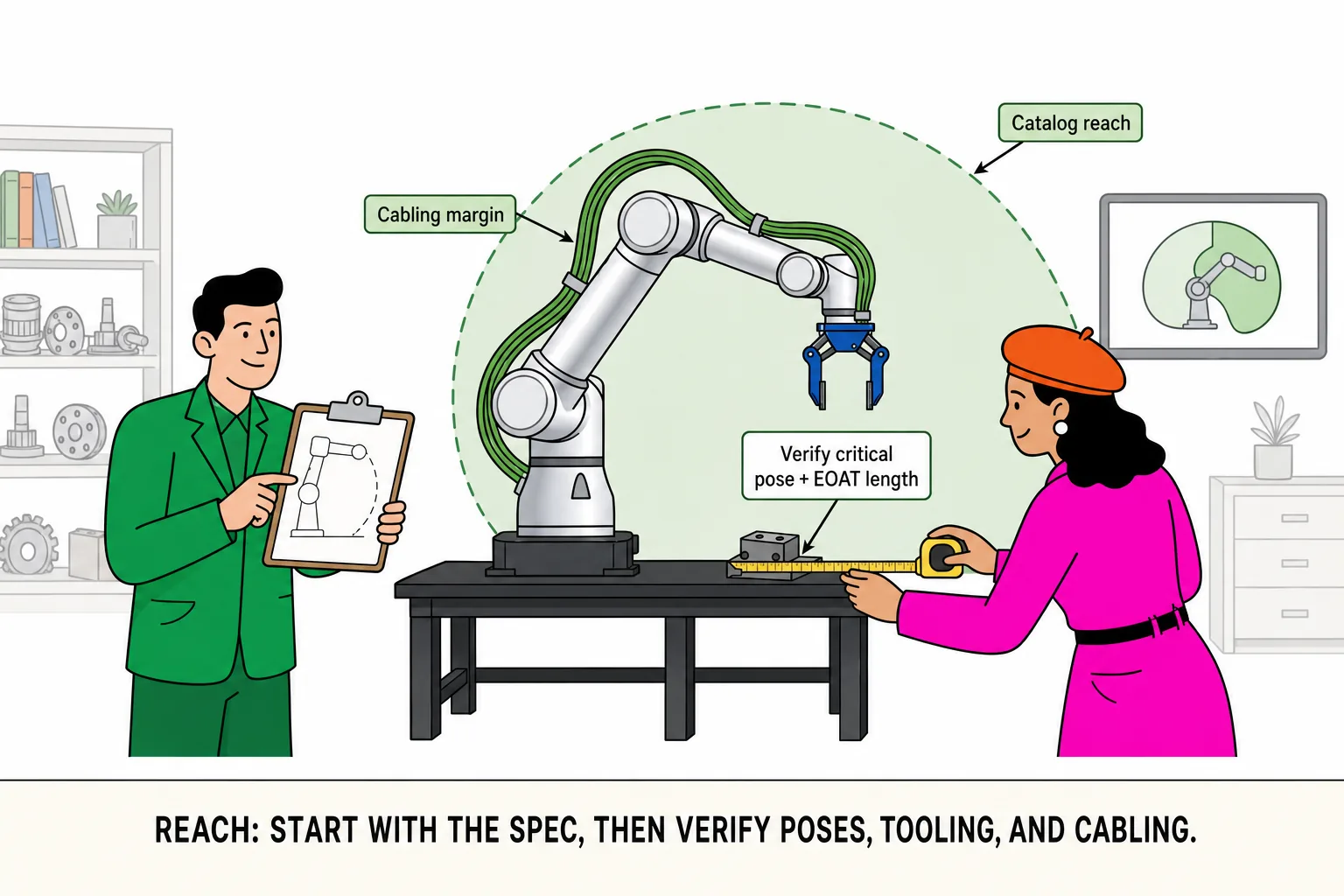
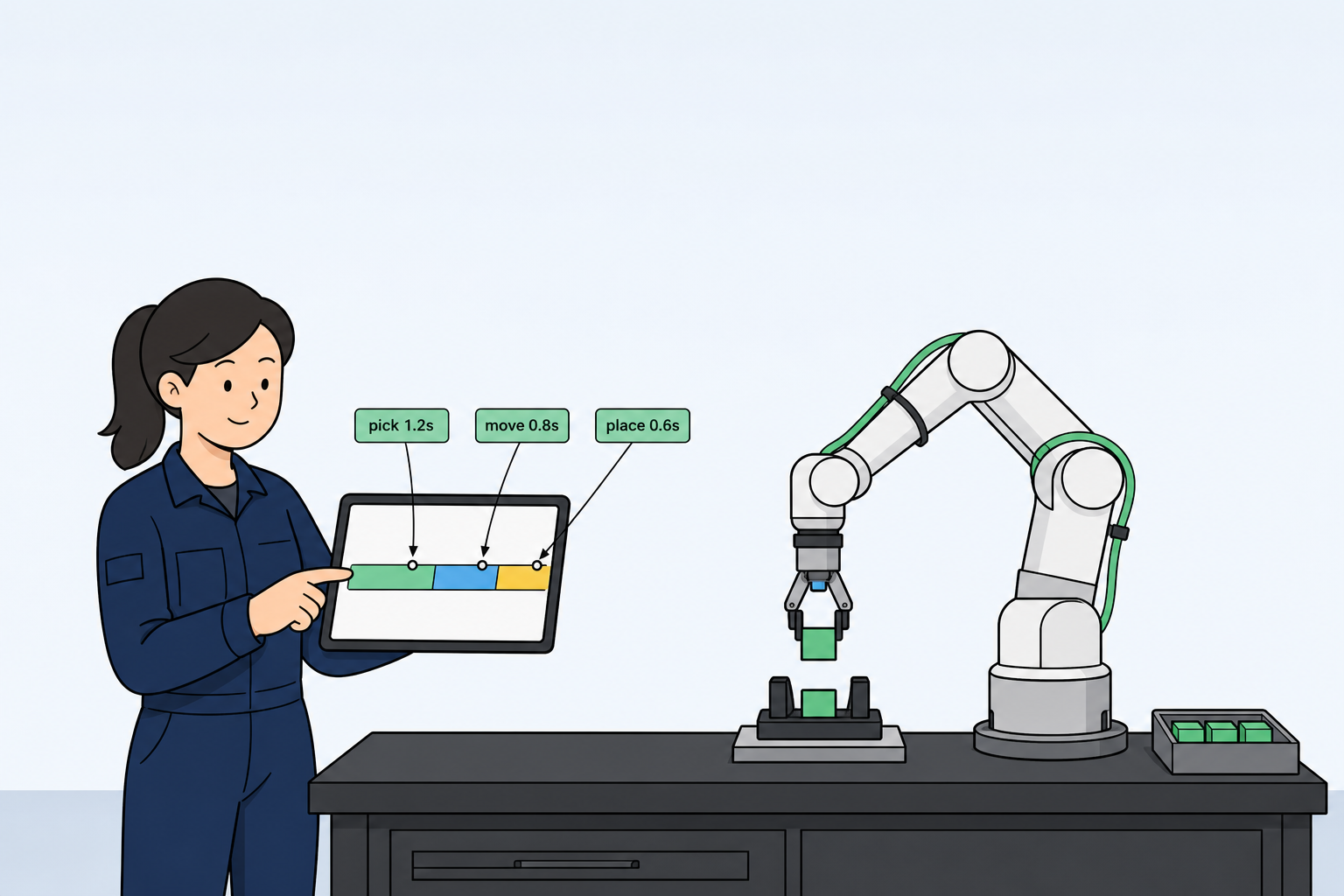
Before you buy a collaborative robot, most teams compare the same fundamentals: does rated and peak payload cover the part and EOAT? Does reach clear the station without rework? Is repeatability tight enough for QC or assembly? Will the arm ship integrated or with an external cabinet—and what does that mean for field wiring and fieldbus?
You do not need scattered PDFs or ad-hoc spreadsheets to answer those questions.
Shortlist two or three finalists, line them up in one live spec table, and share the link—or download a one-page comparison PDF—before you quote—Roooll's Side-by-Side Comparison is built for exactly that.
Start with three tiers: r-Lite, r-Core, r-Max
r-Lite — compact cells and lab benches. About 3 kg nominal (5 kg instant), 622 mm reach, controller integrated at the base—precision assembly, inspection, and line-side feeding with the smallest footprint and cleanest cabling.
r-Core — the line-ready default for most deployments. Five-kilogram class payload, 922 mm reach, ±0.02 mm repeatability for assembly, inspection, and line-side handling; compare standard, integrated -C, and mobile WML layouts in the same session.
r-Max — heavy payload and longer reach. Sixteen- to twenty-kilogram class arms for palletizing, machine tending, and end-of-line transfer—step up here when r-Core runs out of payload or reach margin.
Once those tiers are in view, drop r-Lite, r-Core, and r-Max (or specific variants such as r-max-16) into one table, compare payload, reach, joint axes, and cabinet pairing, and forward the link to procurement or your end customer. Here is how to do that on roooll.com.
Where to find the online comparison tool
Top navigation — open Selector, then Side-by-Side Comparison.
Full lineup page — at Full r-Series lineup specs, scroll to the journey band and choose Side-by-side comparison.
Product pages — from r-Lite / r-Core narrative sections, follow the comparison link at the end of the story.
Quick search — open the site search palette and type comparison (or 对比 in Chinese).
Direct URL — Side-by-Side Comparison (Chinese: 横向对比选型).
How to use it (about three seconds)
Open the comparison page. Three model pickers appear at the top (on phones you compare two models side by side; the third column appears from tablet/desktop width upward).
Use each dropdown to choose any three different r-Series variants from the full lineup—r-Lite, r-Core, r-Reach, r-Max, r-Ultra, including integrated -C layouts where listed.
Product images update per column; scroll the Cobot specs table for payload, reach, repeatability, weight, TCP speed, DOF, IP, power, voltage, noise, mounting, environment, footprint, I/O, tool power, materials, and power-test notes. Values that differ across your selection are visually emphasized so the gap is obvious without reading every row.
Expand Joint axes for per-axis range and max speed, and External control cabinet (optional) to see how cabinet pairing changes fieldbus and install footprint.
Under Share this comparison at the bottom, copy the page link or download a one-page Roooll r-series Comparison PDF—three model columns, core specs, axis movement, and the DC cabinet note—ready for email, Teams, or a quote attachment without screenshot collage.
When you change models, the browser URL updates automatically to a shareable link—for example: r-Lite / r-Core / r-Max comparison. Copy and paste that URL into email, Teams, or a quote—your customer sees the same three models you selected.
Need a quote on one column? Tap Inquiry under that model. Still between tiers? Use the footer band Start the advisor for a five-question shortlist.
Why it matters for integrators
One table, full catalog — no jumping between separate PDFs per model.
Bid-ready sharing — the modelList URL is your live spec snapshot; less rework when procurement forwards the link internally.
One-page comparison PDF — download Roooll r-series Comparison from the bottom Share band: three columns, joint axes, and cabinet notes for internal reviews and channel demos.
Cabinet + mechanics together — compare integrated -C arms against external-cabinet lines in the same session.
Honest deltas — emphasized cells show what actually changes between finalists.
Faster internal sign-off — sales sends the link or PDF; engineering validates rows; you reply with inquiry or a call.
Pairs with the Product Advisor — comparison narrows which three to weigh; the advisor narrows which one to quote first, with a downloadable PDF summary on the result page.
See it in action
The video above walks through the flow—selecting models, scrolling specs, and sharing a link. You can also open the live tool now and replay the same steps—then try Copy link or Download PDF in the Share this comparison band.