Quick answer
Most first cells fail on scope, not on “can anyone code”—hand-guiding + Web App / pendant teach covers a large share of pick-place and simple tending once the nest is honest
Enough when: one part family, fixed or hard-stopped infeed, no force-critical insert, PLC handshake is a short list
Not enough alone when: chaotic bins need vision in phase one, force-limited assembly, multi-machine interlocking, or nobody owns exceptions after the integrator leaves
Published floor bands: experienced teams often land a first taught pick-place path in hours to one business day after the arm is mounted—full station with fixtures/vision/PLC still stretches longer → Integration timeline
Order of work: freeze the task → teach a path → then decide vision/force—do not buy a programming stack to rescue an undefined station
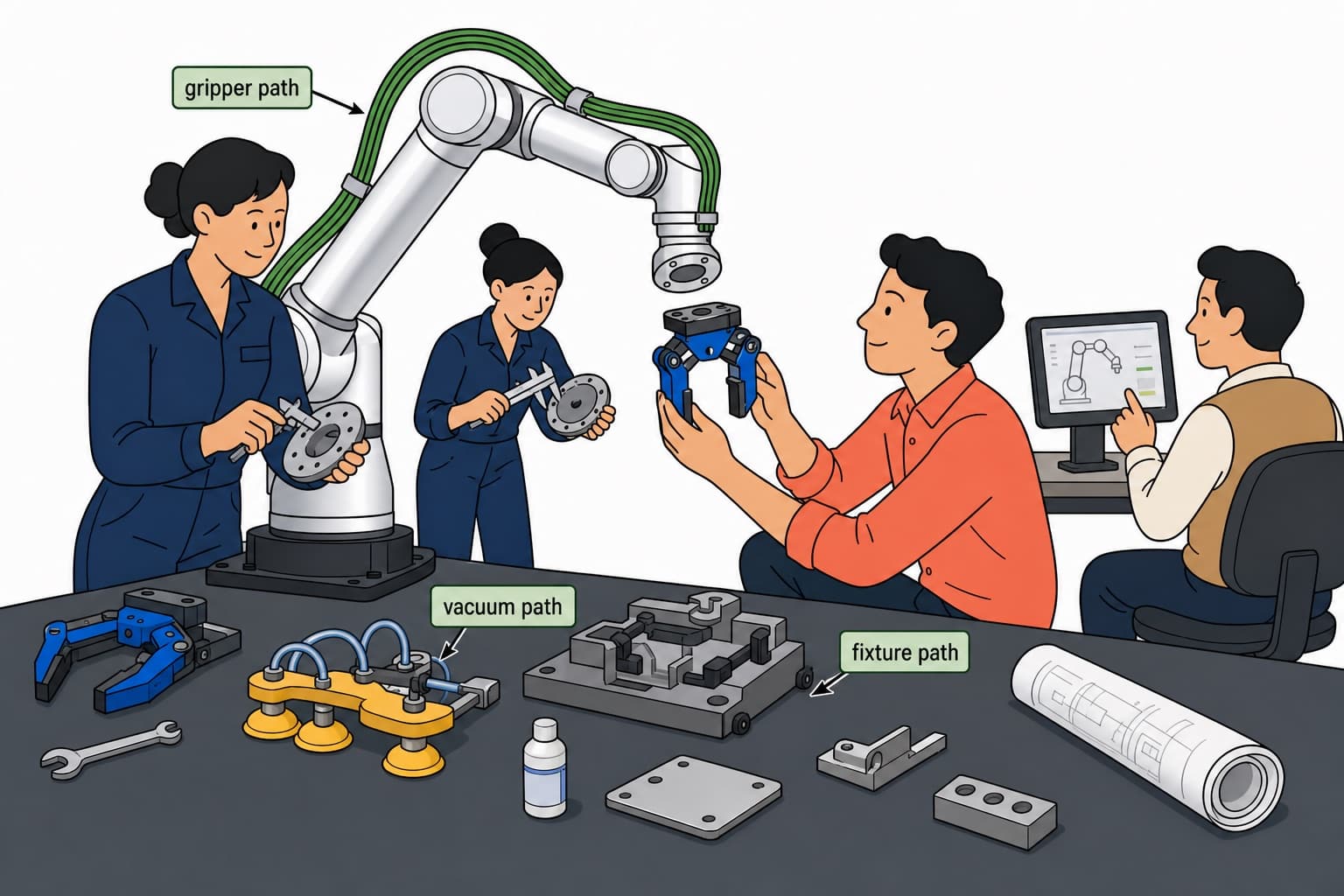
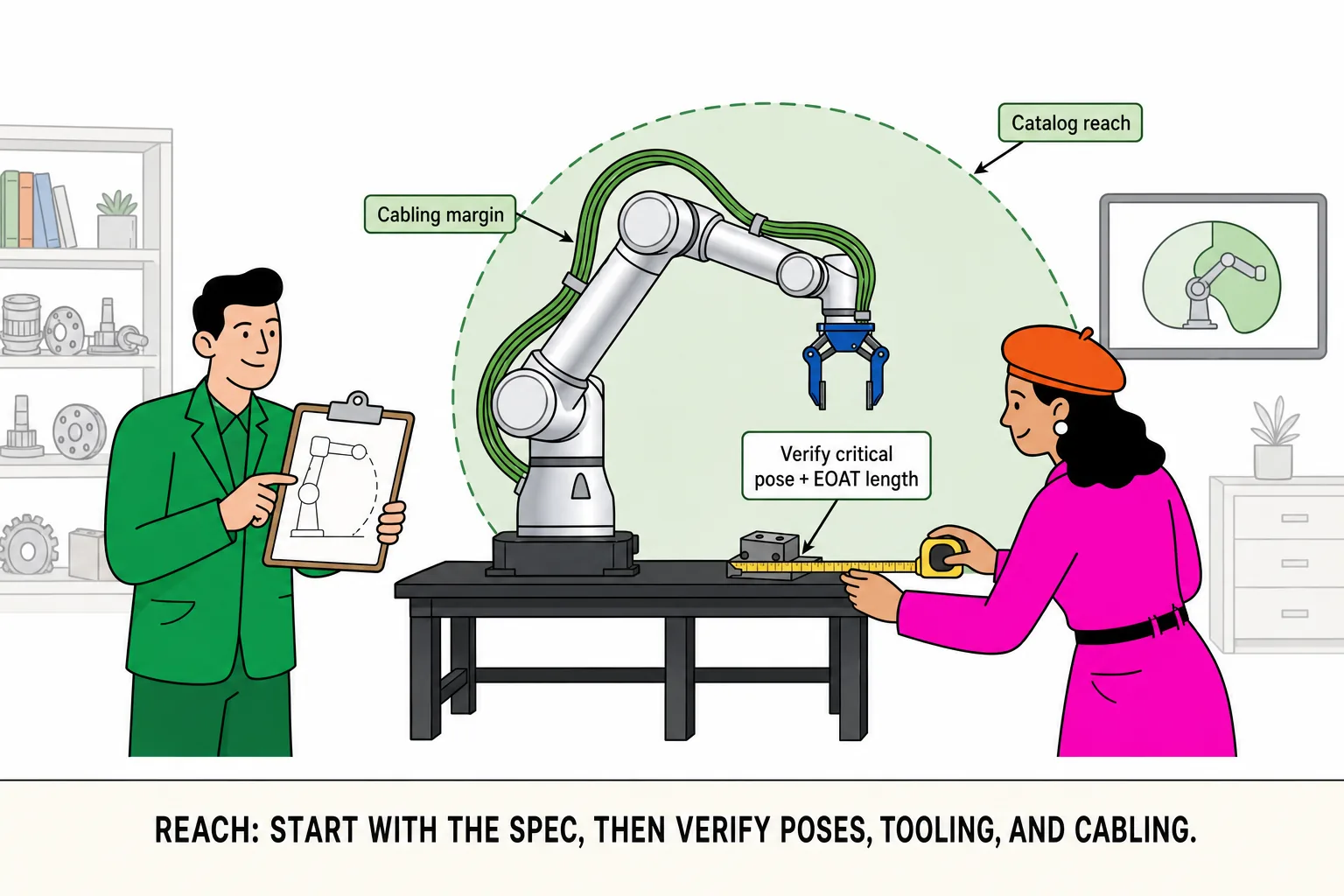
Factories ask “do we need a robotics programmer?” for the same reason they ask “do we need vision?”: the word sounds expensive, and demos make teaching look free. Both answers are conditional. This page is a decision guide for phase-one teach, not a step-by-step for any single pendant UI, and not a substitute for UR / FANUC button manuals. Roooll r-Series cells commonly combine hand-guided paths with Web App tuning and, where fitted, a teach pendant—same teach vocabulary across the line so a pilot recipe can move to the next station without reinventing the stack. Keep the Cost guide open for money; keep the Accessories checklist open for everything past the flange.
First distinction: path teach ≠ cell logic ≠ perception tune
Search results for “how to program a cobot” mix three different jobs into one brochure phrase:
Teach a path — move the arm through waypoints (hand-guide or jog), save, replay
Cell logic — door open, clamp confirm, e-stop, permit-enter, cycle start with the PLC
Perception / force — camera offsets, force-limited inserts, compliant finishing
Only (1) is what most “easy programming” claims cover. (2) and (3) are where calendars and headcount show up. A common floor illusion: a pretty empty-air path on demo day means “programming is done.” It usually means the path is in the controller—takt, exception recovery, and signed acceptance have not started.
If your inquiry still says “TBD gripper, TBD stops,” no teach method will make week-one acceptance honest—start with the task readiness guide. Once those three jobs are split, the review meeting can ask the next useful question: is hand-guiding + Web App enough for this station?—enough depends on station shape, not on whose UI screenshot looks cleaner.
Floor example: one sentence—“can we program it?”—three different labor stories
| What buyers say out loud | What they are actually buying | Where hours usually land |
|---|---|---|
| “They hand-guided it twice on demo day” | Path replay only | Layer 1; hours-scale can be honest |
| “Just tie in the machine door” | Path + door/clamp/e-stop list | Layers 1+2; often days |
| “Bin picking and force assembly together” | Path + logic + vision/force | All three; full-station weeks more common |
Map the inquiry email onto that table before arguing whether cobots are “easy to program.” Then read the time bands—otherwise “hours” and “four weeks” fight on the same slide.
Time bands: first path vs full station (do not merge the two numbers)
The loudest argument in kickoff is often “they said teach takes hours—why did we schedule four weeks?” Both sides are usually naming different finish lines.
| Finish line | Common published / product band | What you are actually accepting |
|---|---|---|
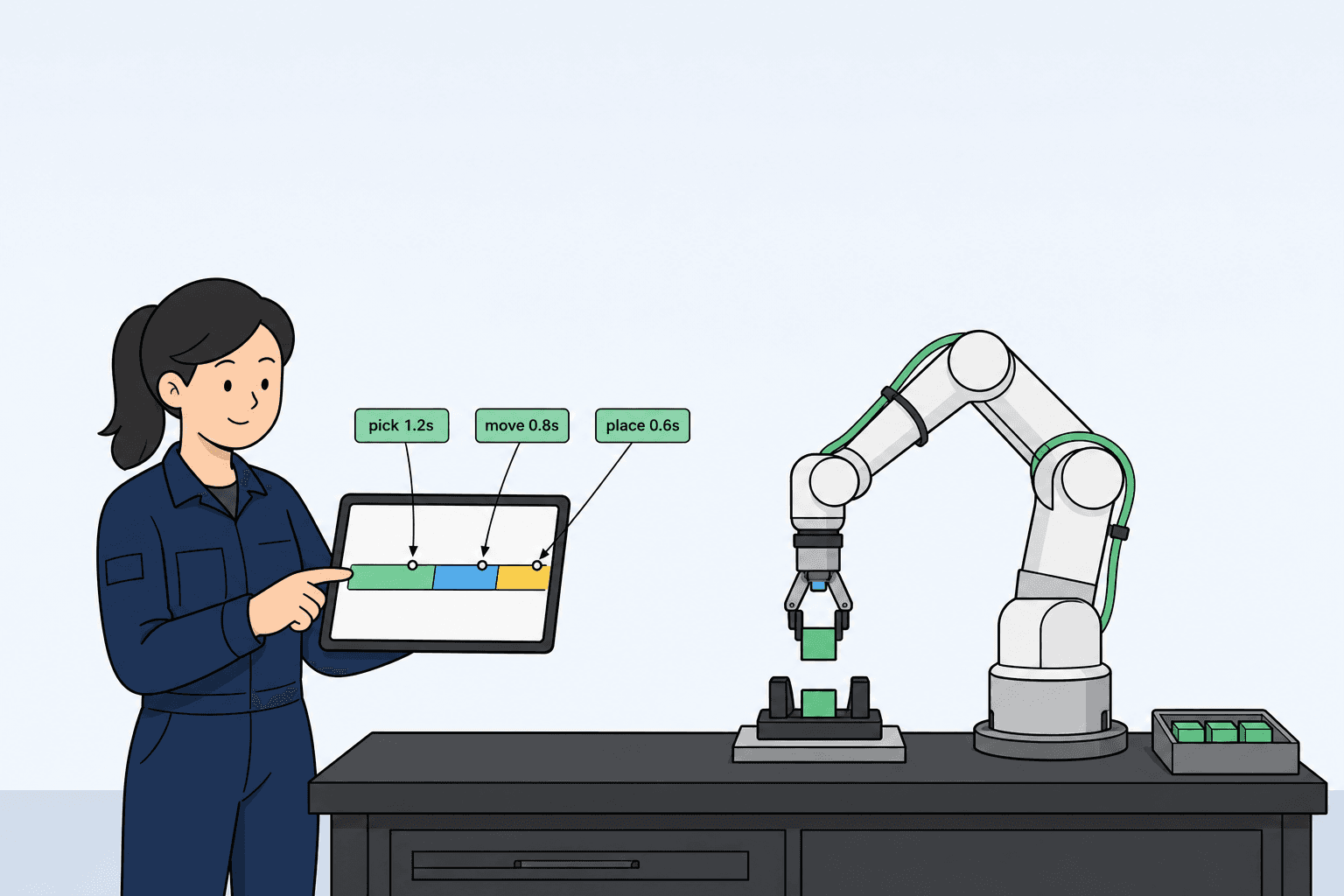
| First pick-place path (arm mounted, nest honest) | Experienced teams often hours–1 business day | Waypoints replay; empty-air or sample part once through |
| Pilot runoff with fixtures / baseline I/O | Often days–a few weeks | Worst-part loops, open/close in the beat, baseline resets |
| Signed production with vision / force / multi-machine PLC | More often about 2–6 weeks for the full station | Contracted success criteria hit continuously |
Roooll product FAQs and line copy already split this honestly: first path ≠ signed production. Stage detail lives in the Integration timeline. If the SOW only says “teach complete” while acceptance means production takt, disputes are almost guaranteed—write the finish line into the SOW instead of arguing whether “programming is hard.”
Bands alone do not place the PO. The next move is to separate how people actually touch the arm—and which layer each method owns.
Hand-guide, jog, Web App, pendant: who owns which layer
| Method | Best fit | Not enough alone when |
|---|---|---|
| Hand-guiding | Operator can feel the path; approach and place fine-tuning | Millimeter jog precision or force curves are required |
| Jog / joint tweak | Touch-off, TCP trim, one intermediate point | Building a long path from zero (slow) |
| Web App | Shift changes to speed, I/O map, recipe params; desk habits | Gloves/oil, must-stay-at-arm floor culture |
| Teach pendant (where fitted) | At-arm discipline, line habits, some safety-related ops | Treated as sole truth with no version ownership |
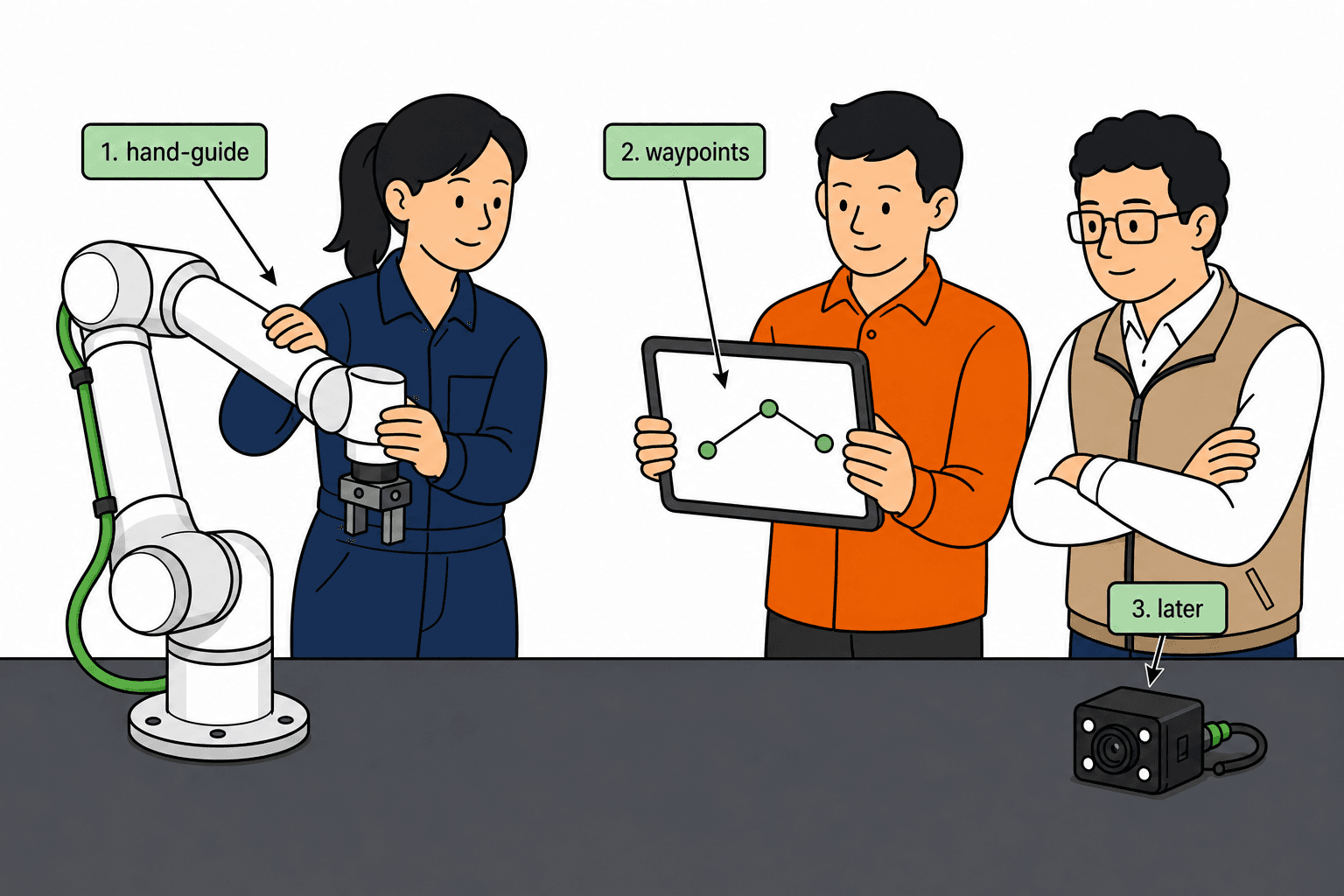
A common Roooll pattern: hand-guide the path skeleton → tune recipes in the Web App → keep a pendant entry for floor habits. The point is not which UI looks flashier; it is naming one primary owner so night shift does not overwrite day-shift Web App tunes with an older pendant recipe in week three.
First week after delivery: a printable path-layer sequence
This table covers an honest path-layer finish line only. Logic and vision get their own calendar rows.
| Window | Aim to finish | Do not pretend “teach is done” if |
|---|---|---|
| Day 0 (install day) | Base locked, e-stop live, tool mass in the payload ledger | Soft feet or unweighed TCP |
| Day 1 | Hand-guide approach / pick / depart skeleton; empty-air replay clear | Points still exist only as “about here” talk |
| Days 2–3 | Worst part in the loop; open/close or vacuum break on the beat sheet | Demo uses only best parts |
| End of week 1 | Named handover: who edits which waypoint, where backups live | Integrator leaves with the only USB stick |
Schedule logic (doors, clamps, MES) and perception on separate rows—do not stuff them into the “Day 1 hand-guide” cell, or the time-band table collapses into one fake number again.
With methods and the first-week sequence written down, “enough for phase one” becomes a station-shape question—not a brand belief.
When hand-guiding + Web App is enough
Hand-guiding earns its keep when the operator can feel the path and the part presents the same way every cycle. Typical phase-one fits:
| Station shape | Why teach stays light | Still write into takt / contract |
|---|---|---|
| Fixed nest / hard-stop pick-place | Waypoints replay | Open/close or vacuum break time → Pick-and-place |
| Single CNC door, known clamp signals | Path + a short I/O list | Door interlock, clamp confirm, blow-off in cycle → CNC tending |
| Simple end-of-line layer palletizing | Layer template + repeat path | Pallet in/out; vacuum mass in payload → Palletizing |
| Lab / education demo, low mix | Reteach the same day when the protocol changes | Success criteria: “demo pass” vs “reproducible data” |
After the table, two short contrasts help catch “we are pretending it is enough”:
Station A (enough): one sheet-metal box family, hard stops ±2 mm, parallel gripper frozen, PLC is only clamp-confirm + cycle start—hand-guide + Web App speed tweaks are usually honest.
Station B (not enough): chaotic bins, three shapes, “vision later” oral, nobody named for night reteach—buying a longer class will not fix it; change scope first.
The next move is not to assume “we will also finish in hours”—it is to check the “not enough” list. Hit any row and you should write pendant discipline, integrator hours, or specialist help into phase one instead of hoping two hand-guides clear acceptance.
When you still need more than hand-guiding
Add pendant discipline, integrator time, or a specialist when any of these are true:
| Signal | What usually happens on the floor | Stabler phase-one writing |
|---|---|---|
| Soft or chaotic infeed | Fixtures cannot kill location error; paths get “tweaked” into a new program weekly | Put vision in scope or harden the nest first; vision is teach + tune |
| Contact force matters | Press-fit, polishing, delicate assembly; empty-air looks fine, parts scrap | Force strategy / process tool in the quote; path replay alone is not enough |
| Multi-machine or MES on one arm | Recovery, interlocks, recipe switches outgrow “save waypoints” | Price PLC/logic as its own line; split path vs logic in the SOW |
| No named reteach owner | Programs rot in week three after the integrator leaves | Name trainees + handover checklist + who signs ownership |
Those are scope decisions, not brand tutorials. Safety and I/O boundaries still sit in the Safety & I/O guide; do not confuse “collaborative” with “no risk assessment.” If vision or force truly belong in phase one, mark them included, excluded, or TBD-capped in the quote—not as an oral “maybe later.”
Once “not enough” is honest, it still helps to nail teach workload by application—the same arm does not tell the same teach story on pick-place, CNC, and palletizing.
Check by application: where teach effort actually differs
| Application | What phase-one teach usually looks like | What commonly stretches the calendar |
|---|---|---|
| Pick-and-place | Hand-guide approach/depart + open/close; light when nests are hard | Soft packs, mix, vision offsets |
| CNC tending | Path + door/clamp I/O; dual-grip is payload first | One arm / many machines; full lights-out magazines |
| End-of-line palletizing | Layer/path templates; vacuum mass deducted | Mixed pallets; complex vision singulation |
| Screwdriving / dispensing | Process tool itself + feedback | Second gun; complex vision alignment |
Go deeper in each application guide; this table only stops the jump from “pick-place demo looked easy” to “palletizing/assembly will teach the same way.” Fixture entry: Fixtures. EOAT depth: End-effector guide.
Application rows alone still leave the kickoff without a printable page—not another pendant menu screenshot, but five pass rules. Empty boxes are the rows that should be named in the first RFQ email.
A one-page teach readiness scorecard (phase one)
| Box | Pass rule |
|---|---|
| Task frozen | Part family, nest/stop tolerance, and success criteria written |
| EOAT + payload | Tool mass deducted; heaviest part still inside rated → Payload |
| Teach owner | Named person for reteach and night-shift exceptions |
| Path vs logic | Waypoints vs PLC list separated in the SOW |
| Vision / force | Marked included, excluded, or TBD-capped—not “maybe later” oral |
If two or more boxes are empty, buying a longer training course will not fix the calendar—fix the RFQ checklist first. After the scorecard, paste the lines below into the inquiry so vendors do not quote a demo path and accept against production logic.
Teach-related fields worth writing into the RFQ
Phase-one success criteria: first path / pilot runoff / signed production—pick one and freeze it
Part-family count, nest or stop tolerance, definition of worst part
Path owner (buyer) and logic owner (buyer or integrator)—name or role
Vision / force: included, excluded, or TBD-capped by money/calendar
Training and handover: how many people, which shifts, whether night-shift exception drills are included
Recipe source of truth: Web App or pendant—one primary, not both competing
Fields on paper still do not clear the pilot. If acceptance only watches empty-air motion, teach scope keeps drifting orally—the next section is what to verify.
How to verify teach in the pilot—not only that “the arm moves”
| Check | Pass looks like | Common shortcut that fails later |
|---|---|---|
| Worst-part loops | N consecutive cycles (number in contract) without babysitting | Best-part only / empty-air only |
| Beat composition | Open/close or vacuum break on the beat sheet | “About a second” oral estimate |
| Mechanical stability | Base does not rock; cables do not snag at singularities | Temporary weights only on demo day |
| Exception reset | Drop / protective stop / e-stop—who resets, who edits which point | “Call the integrator when it happens” |
| Recipe backup | One source of truth + known backup location | USB stick in someone’s drawer |
Demo-day structure: Demo Day. Post-PO milestones: RooollTrack. Spares and response after production: Care.
Changeover and reteach: a week-two problem that belongs in phase one
Most first cells meet “one more part” in week two. Rules can be coarse, but they must exist:
Same-family trim (similar shape, same gripper): limited waypoint edits allowed, with a version note
Tool change / new part family: treat as a new teach package—re-run the scorecard, do not “nudge two points”
Who may publish a recipe: one person (or role) marks a recipe production-ready
Without that discipline, hand-guiding stops being an advantage and becomes a weekly overwrite hazard.
Knowing failure modes is not enough until they are named in the room before signature.
Teach decisions that fail most often on the floor
| Failure mode | Looks like | Stabler fix |
|---|---|---|
| Oral scope drift | “We’ll define success on arrival” | SOW freezes first path / runoff / production—pick one |
| Vision bought before tolerances | Catalog polish, endless tune | Write stop tolerances first; buy vision when nests cannot hold |
| Training with no owner | Class attended, nobody edits points | Named owner + exception drills in handover |
| “Collaborative” skips assessment | I/O appears in cycle one | Safety and signals in Safety & I/O |
| Dual sources of truth | Web App and pendant diverge | One source of truth + version numbers |
Those patterns explained, public search still surfaces OEM pendant manuals and “top programming tips.” Useful—different question.
How this differs from OEM pendant manuals
UR / FANUC / Doosan manuals teach buttons and nodes. Useful after you own a controller. This page answers the buyer question before PO: is our first cell a teach problem or a cell-design problem? Roooll’s angle is the same teach playbook across r-Lite → r-Ultra (hand-guide, Web App, pendant where fitted) so you shortlist on payload and reach in Comparison or Advisor, not on who has the flashiest UI screenshot. Footprint still fuzzy? Preview true scale in AR.
The questions below show up most often in inquiry and kickoff; answers stay short—detail lives in the sections above.